
Home Technology Projects You Didn’t Know Were IT
These are common home technology projects that often get overlooked — until something breaks or becomes frustrating. We help plan, set up, and secure them properly from the start.
Home Media Server Setup
Centralize movies, TV shows, photos, and music so they’re accessible on TVs, tablets, and phones throughout the house.

Home Backup & Data Protection
Automatic backups for family photos, videos, and important files — protecting against device failure, ransomware, or accidents
Parental Controls & Family Device Management
Screen-time limits, content filtering, safe browsing, and device rules across phones, tablets, TVs, and computers.
Secure Family Password & Identity Management
One secure system for storing and sharing passwords, Wi-Fi access, recovery codes, and important digital documents.
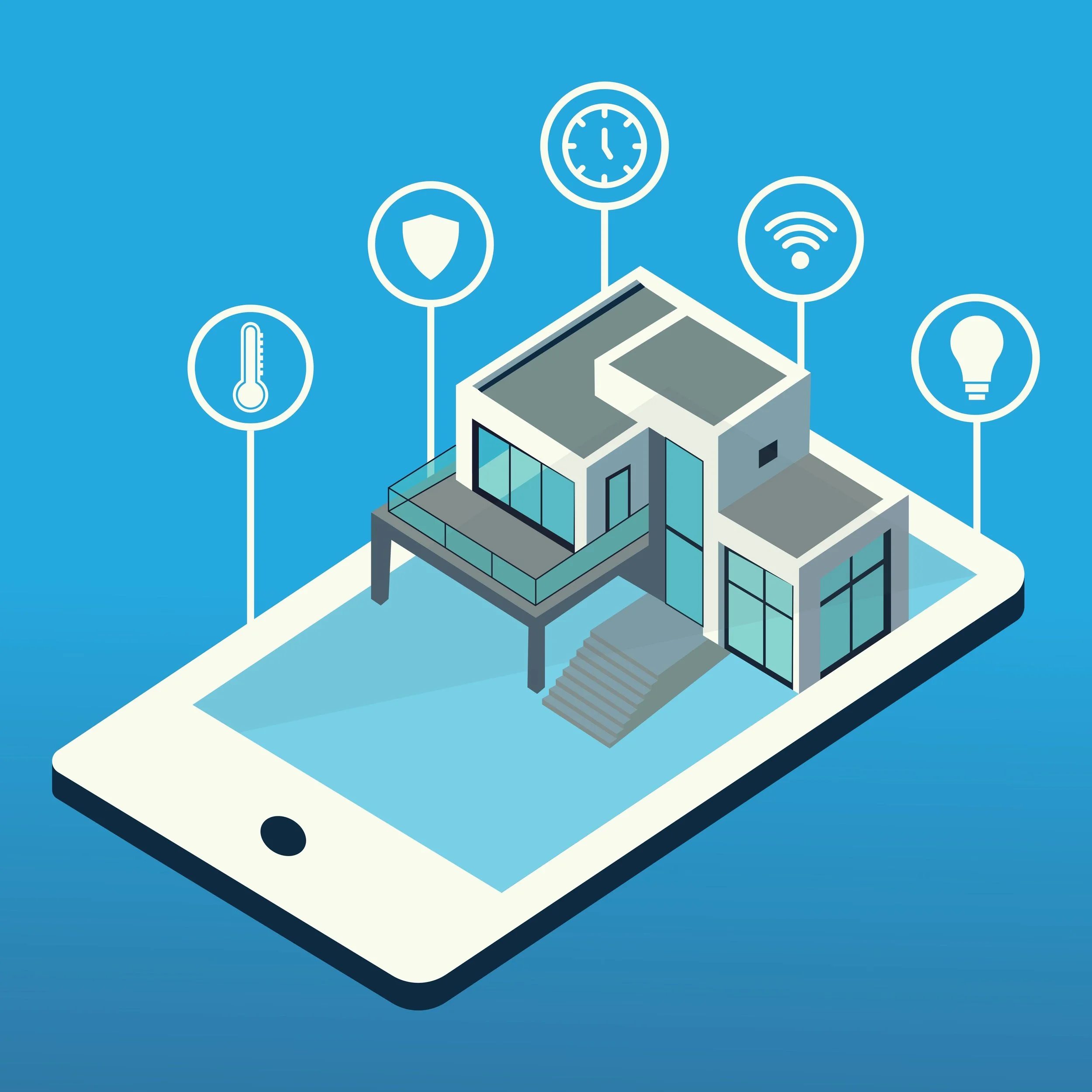
Smart Home Setup & Automation
Smart bulbs, plugs, switches, thermostats, doorbells, and routines that work together reliably — not just “installed.”
Whole-Home Wi-Fi & Network Cleanup
Fix dead zones, slow speeds, and random disconnects using proper router placement, mesh systems, and configuration.
New Computer Setup & Migration
Move everything from an old computer to a new one: files, apps, email, printers, and settings — clean and organized.
Security Camera & Video Doorbell Systems
Proper setup, storage configuration, mobile access, alerts, and privacy-friendly settings (not just mounting hardware).

Digital Estate & Legacy Access Planning
Ensuring trusted family members can access accounts, photos, and important information if something happens to you.
Home Office Setup for Remote Work
Dual monitors, docking stations, webcams, microphones, VPNs, and secure access that “just works” every day.
Cloud Storage & Digital Organization
Organizing files across Google Drive, OneDrive, iCloud, and phones so everything syncs correctly and nothing gets lost.
Home Cybersecurity Baseline Setup
Basic protections across computers, phones, Wi-Fi, and smart devices to reduce the risk of hacks, scams, and data theft.
